Coming in the next update

See the movement from every side.

Lesson films put a 3D instructor on a quiet stage and move the camera like a film crew. Each key point of a skill gets four short shots, so you know exactly what to watch — and what to try next.

Today's App Store version (1.0.2) counts jumps with your iPhone camera and includes the course. The cottage, hero, adventure, guided workouts and 3D lesson films arrive in version 1.1. Free to download; Pro is optional.
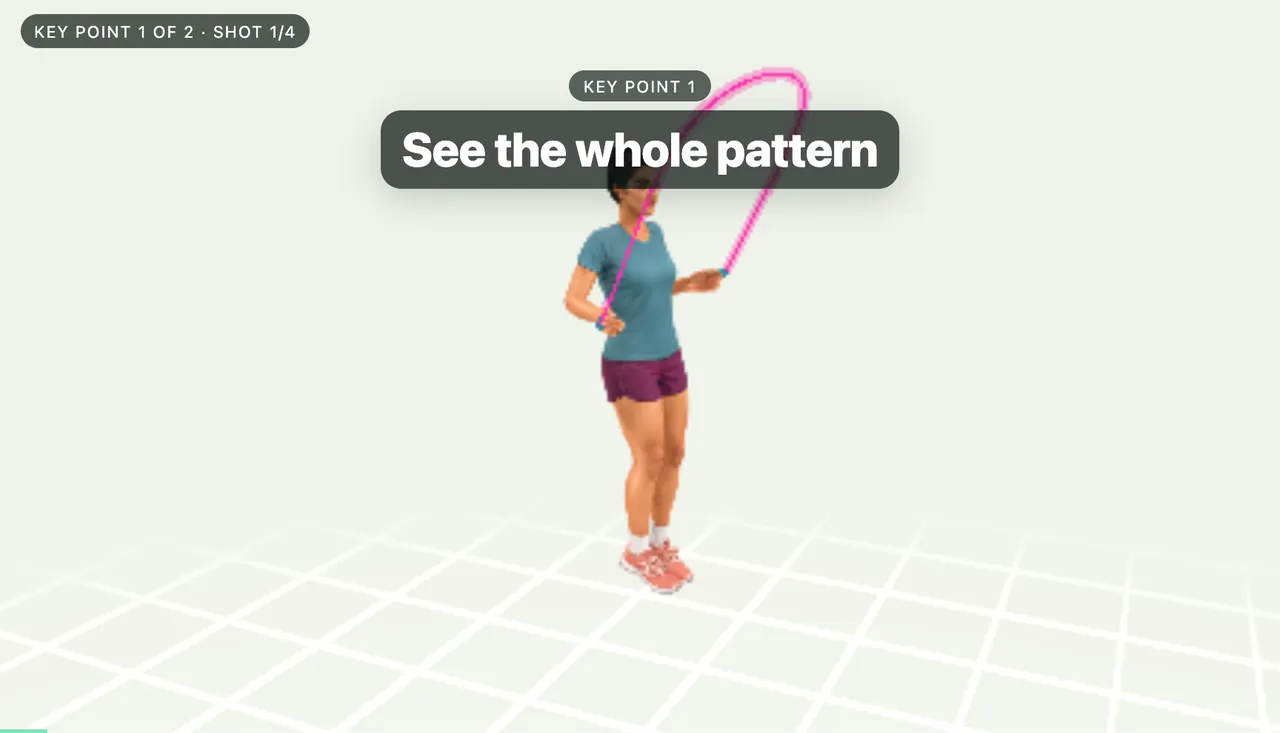
Double bounce lesson film, key point 1 of 2, shot 1 of 4: the 3D instructor turns a pink rope under the title “See the whole pattern”.

Four shots per key point

Wide, close, slow, then your cue.

Here is the first key point of the double bounce, “See the whole pattern”, shot by shot. A badge in the corner always shows which key point and shot you’re on.

  1. Shot 1: wide orbit around the instructor with the title “See the whole pattern”.
    Shot 1

    Establishing orbit

    The camera circles the whole movement while the key point’s title appears.
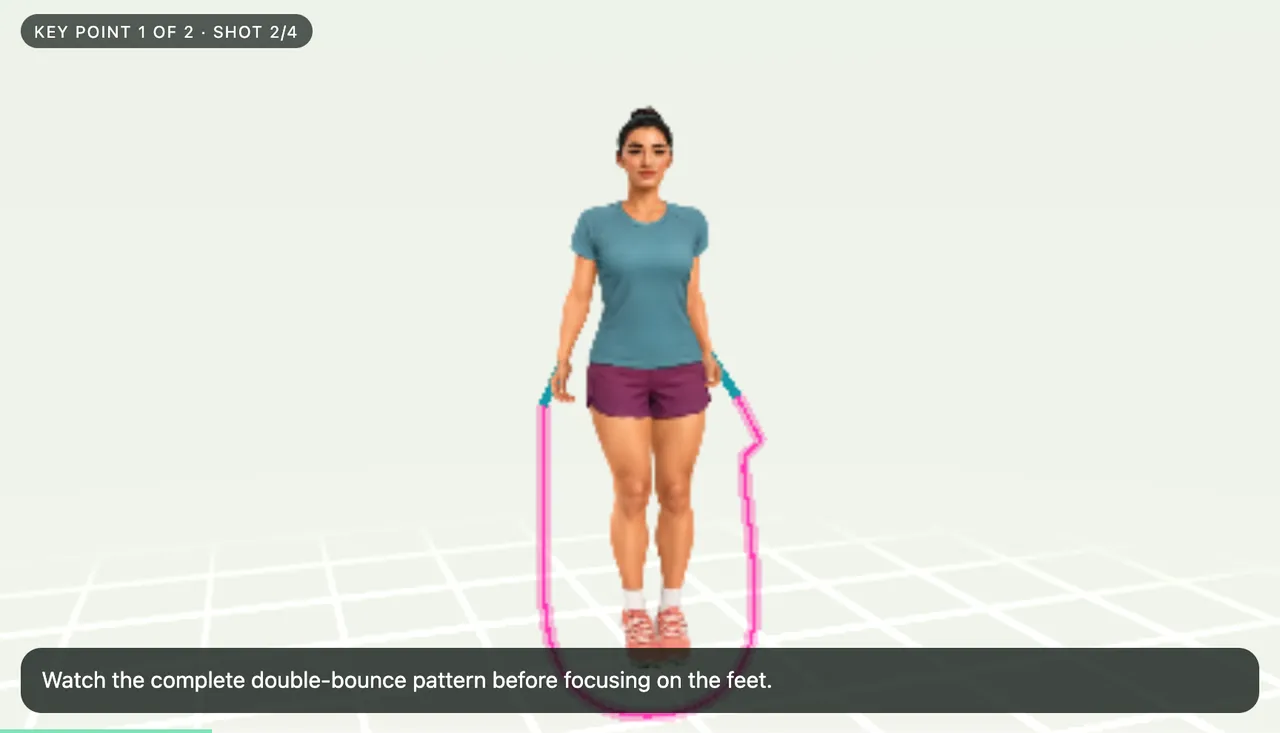
  2. Shot 2: closer view with the caption “Watch the complete double-bounce pattern before focusing on the feet.”
    Shot 2

    Push-in and explanation

    The camera moves closer and a short explanation tells you what to look for.
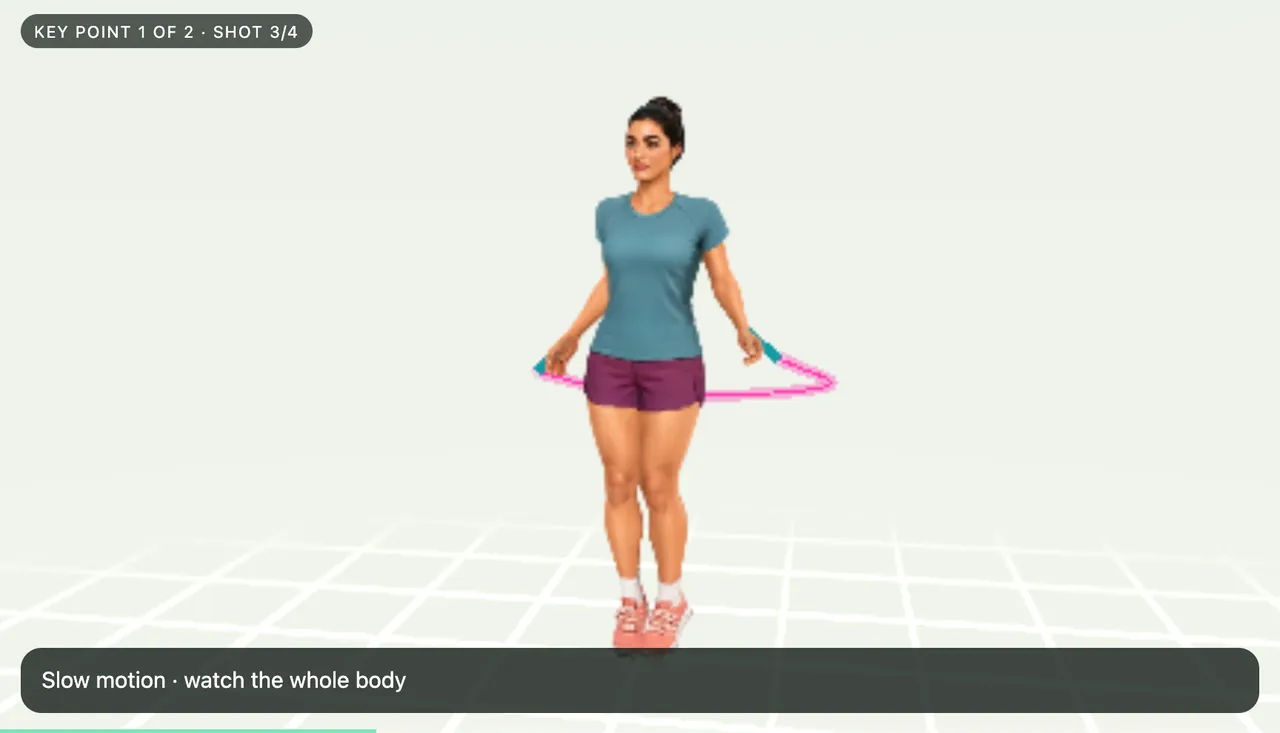
  3. Shot 3: slow-motion orbit with the caption “Slow motion · watch the whole body”.
    Shot 3

    Slow-motion detail

    The movement slows down and orbits the part that matters — hands, feet or the whole body.
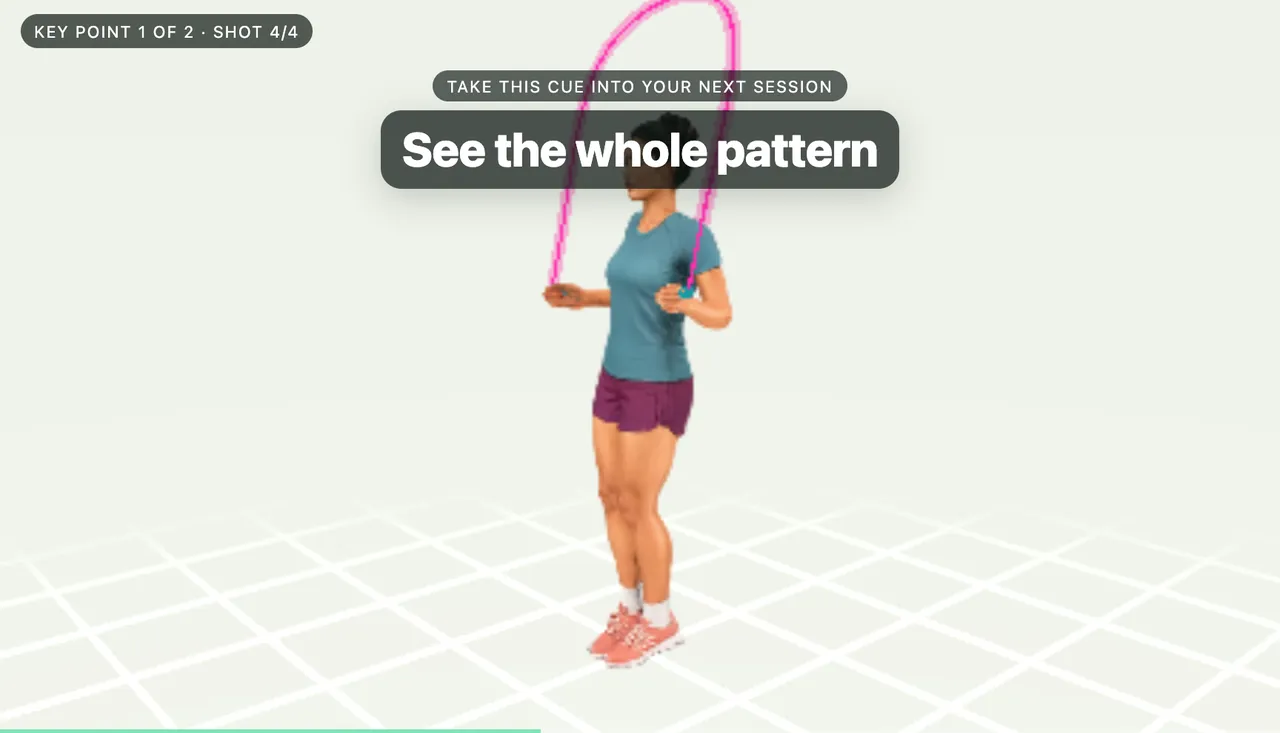
  4. Shot 4: reveal shot with the cue “Take this cue into your next session: See the whole pattern”.
    Shot 4

    Reveal and practice cue

    The camera pulls back and leaves you with one cue to take into your next session.

In the first release

Three skills to start with.

Each film links back to the matching written lesson, so you can read the details and then watch them happen.

3D instructor turning the rope, with the on-screen title “See the whole pattern”.

2 key points

Double bounce

Two small bounces for every turn of the rope. Watch the whole pattern first, then the feet repeat it in slow motion.

  • See the whole pattern
  • Repeat the pattern

Read how to do a double bounce →

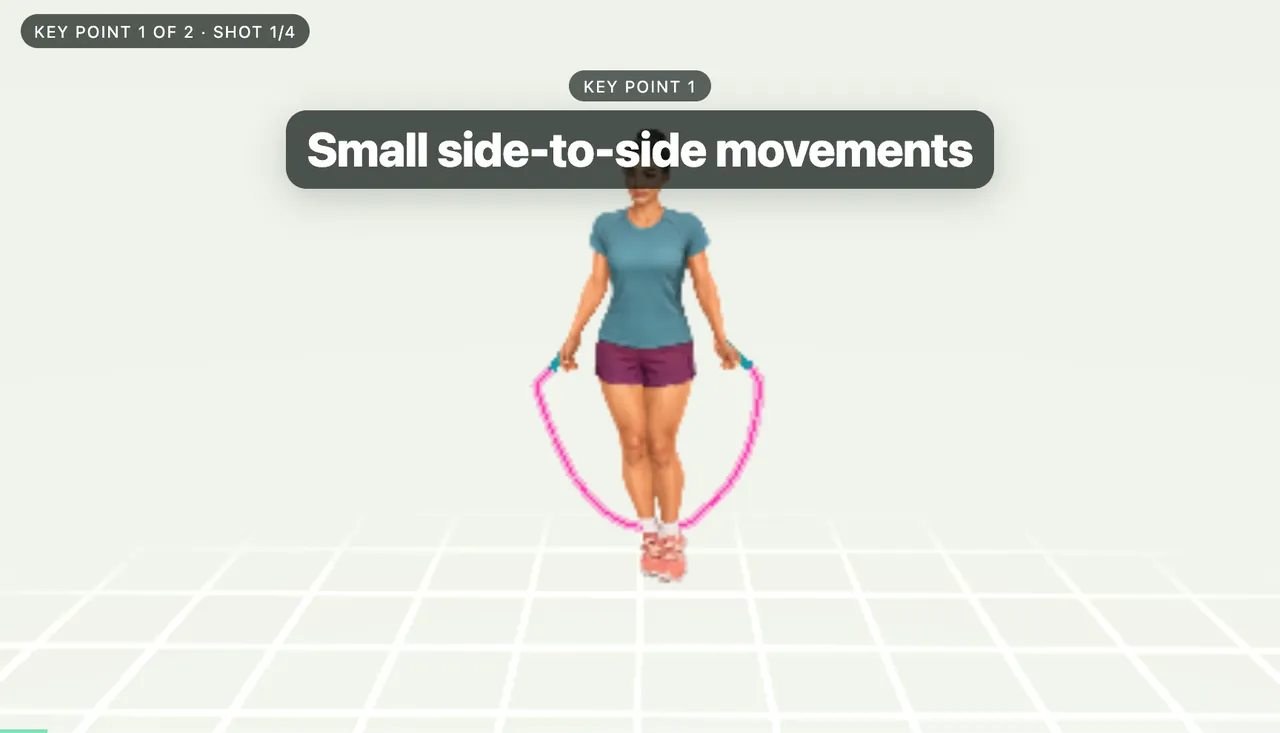
3D instructor doing the skier step, with the on-screen title “Small side-to-side movements”.

2 key points

Skier

Small side-to-side hops with the feet together. The side and close-up shots show where the body stays centred.

  • Small side-to-side movements
  • Feet together, body centred

Read how to do the skier step →

More skills will follow once their movement has been reviewed. Until then, the video lessons and handbook cover the whole course.

Made for practice
Watch it your way.

  • Three languages. Titles and explanations in English, Spanish or Simplified Chinese, with spoken explanations from your device’s voice.
  • Your controls. Pause, replay or change speed, or leave the film and look from the front, side or back yourself.
  • Calm by default. Films start paused, pause when you leave the app and respect Reduce Motion.
  • Honest about what it is. The instructor is recreated in 3D from the course videos. Watching doesn’t mark a skill as mastered — practising does.
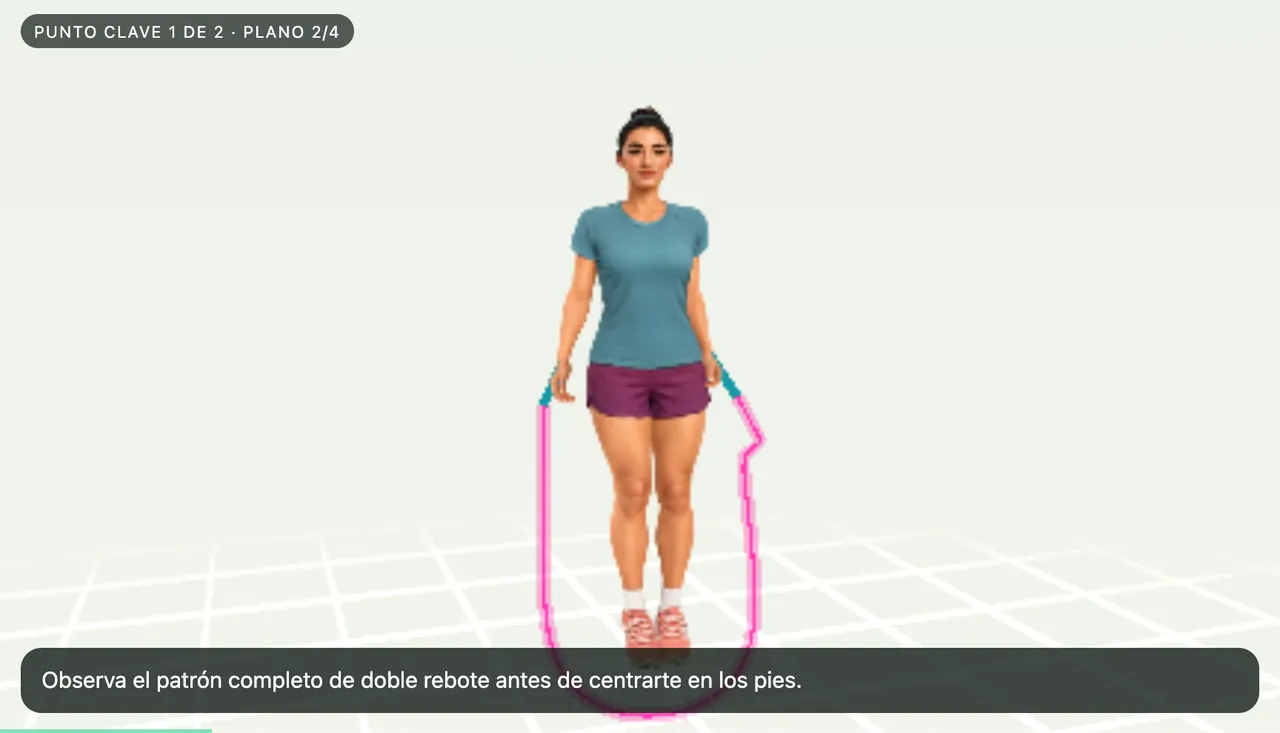
Spanish lesson film frame: “Observa el patrón completo de doble rebote antes de centrarte en los pies.”

Español

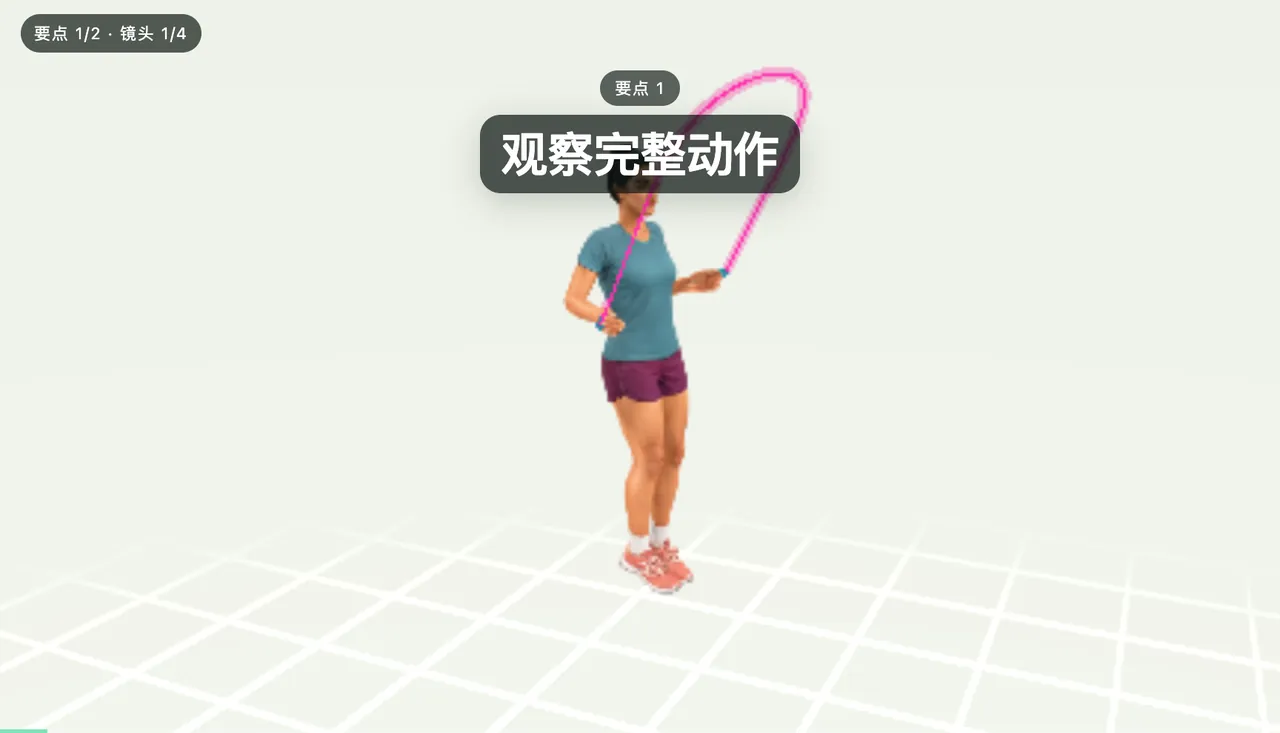
Simplified Chinese lesson film frame with the title “观察完整动作” (see the whole pattern).

简体中文

Questions

About lesson films

Which skills have lesson films?

The first release includes Basic bounce, Double bounce and Skier. More skills will be added once their movement has been reviewed.

Is the instructor a real person?

The instructor is a 3D figure. Its movement was recreated from the course videos, and the rope is drawn to show the path of the turn, so use the films alongside the video lessons and your own practice.

Does watching a film complete a skill?

No. Watching doesn’t mark a skill as mastered. Skill progress comes from practising it.

When can I watch them?

Lesson films are part of version 1.1, the next App Store update. The handbook chapters and video lessons are available today, here and in the app.

Learn the basics today. Watch them in 3D with the update.

Download the app to count your practice and work through the course, then open lesson films when version 1.1 arrives.

Today's App Store version (1.0.2) counts jumps with your iPhone camera and includes the course. The cottage, hero, adventure, guided workouts and 3D lesson films arrive in version 1.1.